AvatarTuber Studio
A downloadable tool for Windows
Bring your streams to life with AvatarTuber Studio!
AvatarTuber Studio is the ultimate tool for content creators, streamers, and PNGTubers looking for a simple, lightweight way to bring an interactive avatar to their live streams (OBS, Streamlabs, Twitch Studio, etc.).
✨ Key Features:
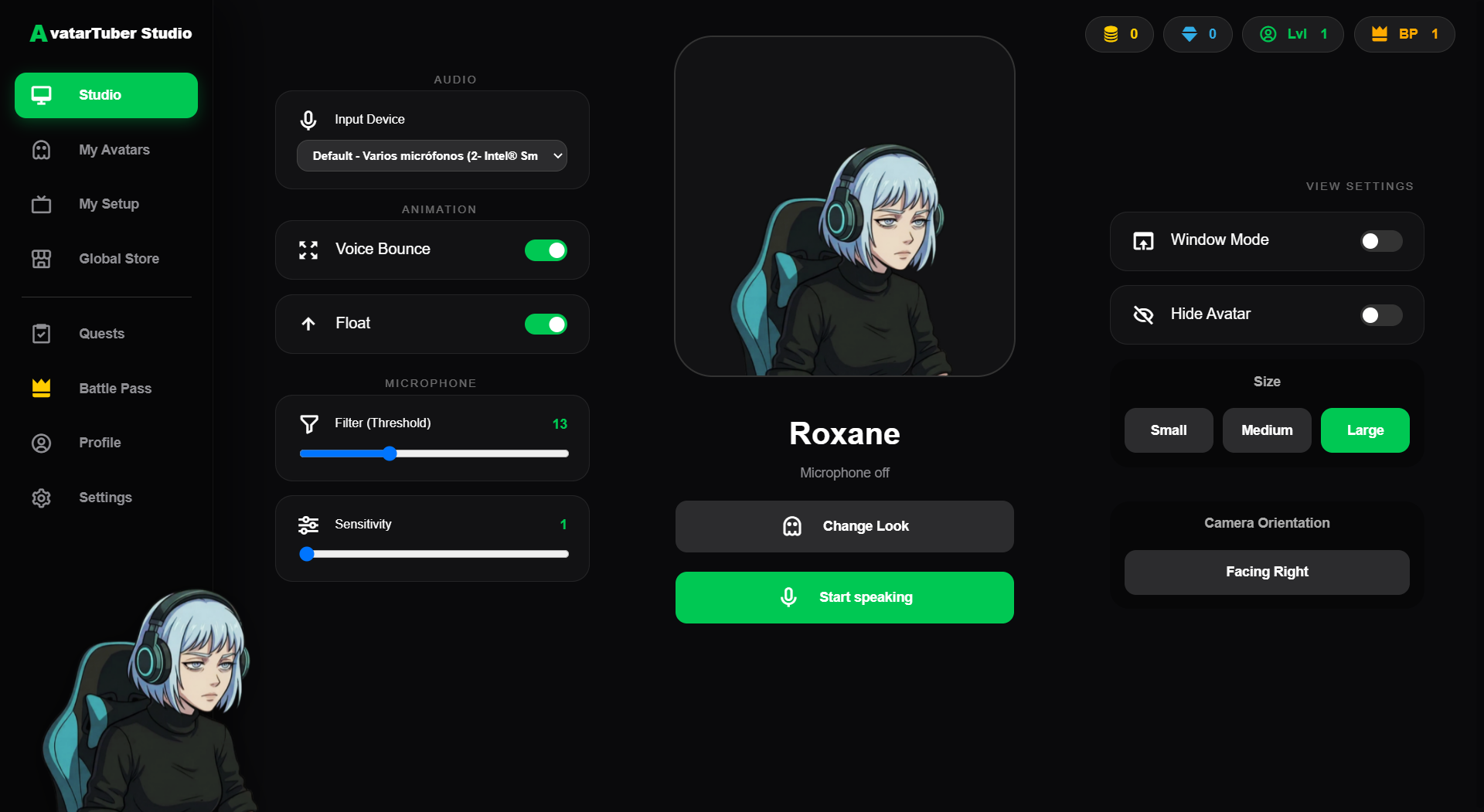
- Microphone Reactivity: Your avatar detects your voice automatically with custom sensitivity and threshold settings.
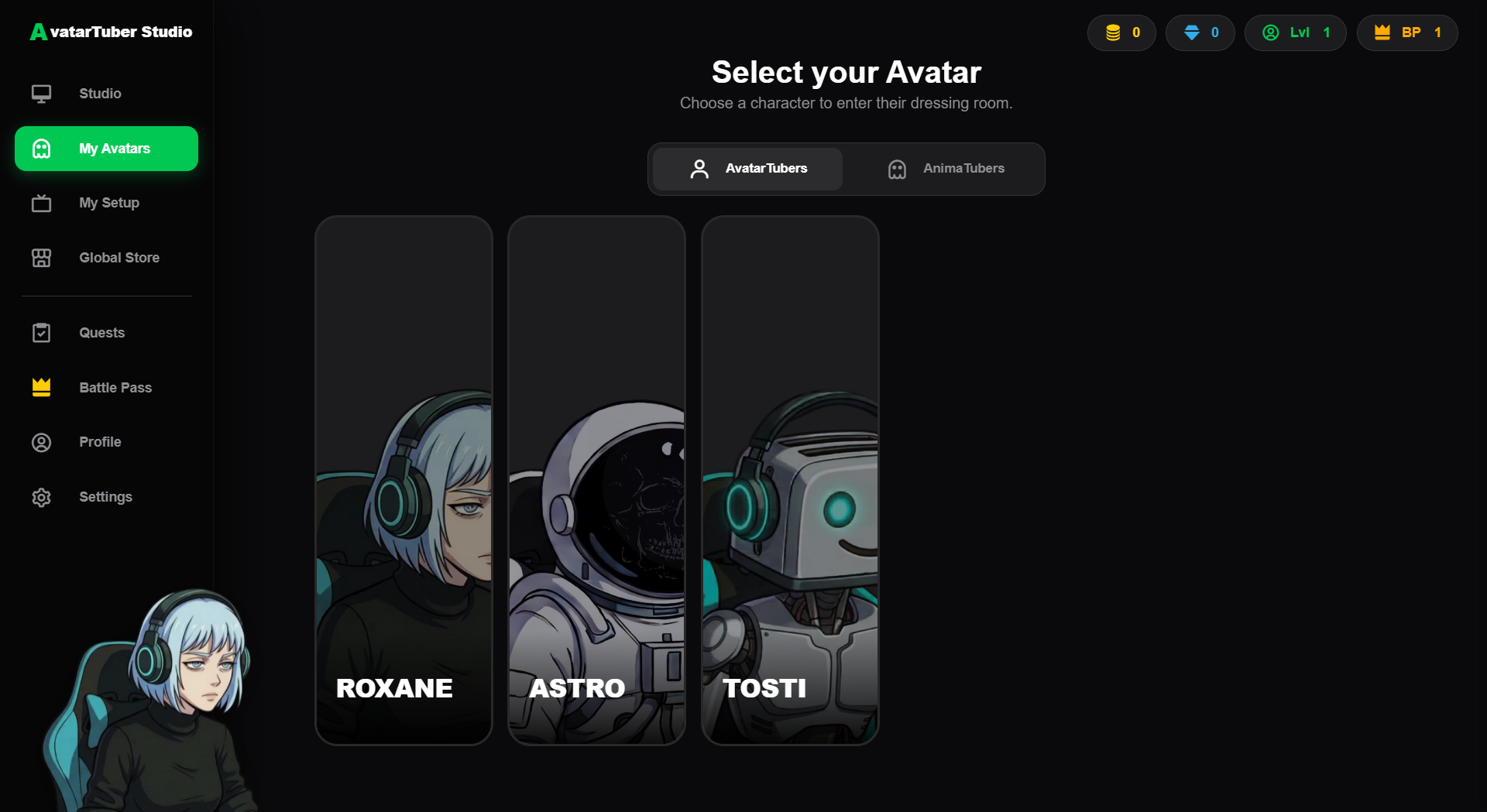
- Organized System: Easily manage and switch between your human avatars (AvatarTubers) and pets (AnimaTubers).
- Customization: Change sizes, toggle bounce animations, and flip camera orientation in real-time.
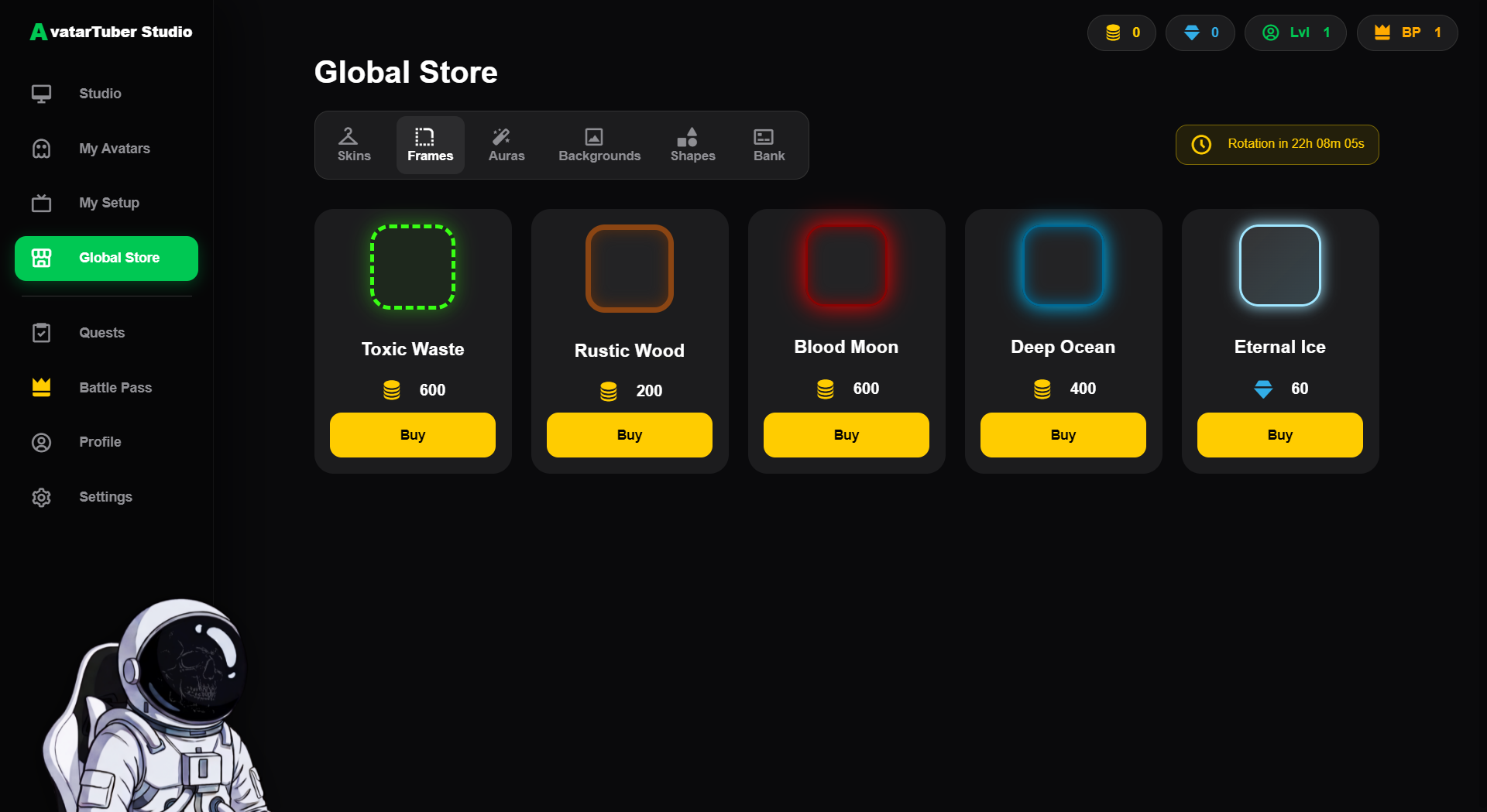
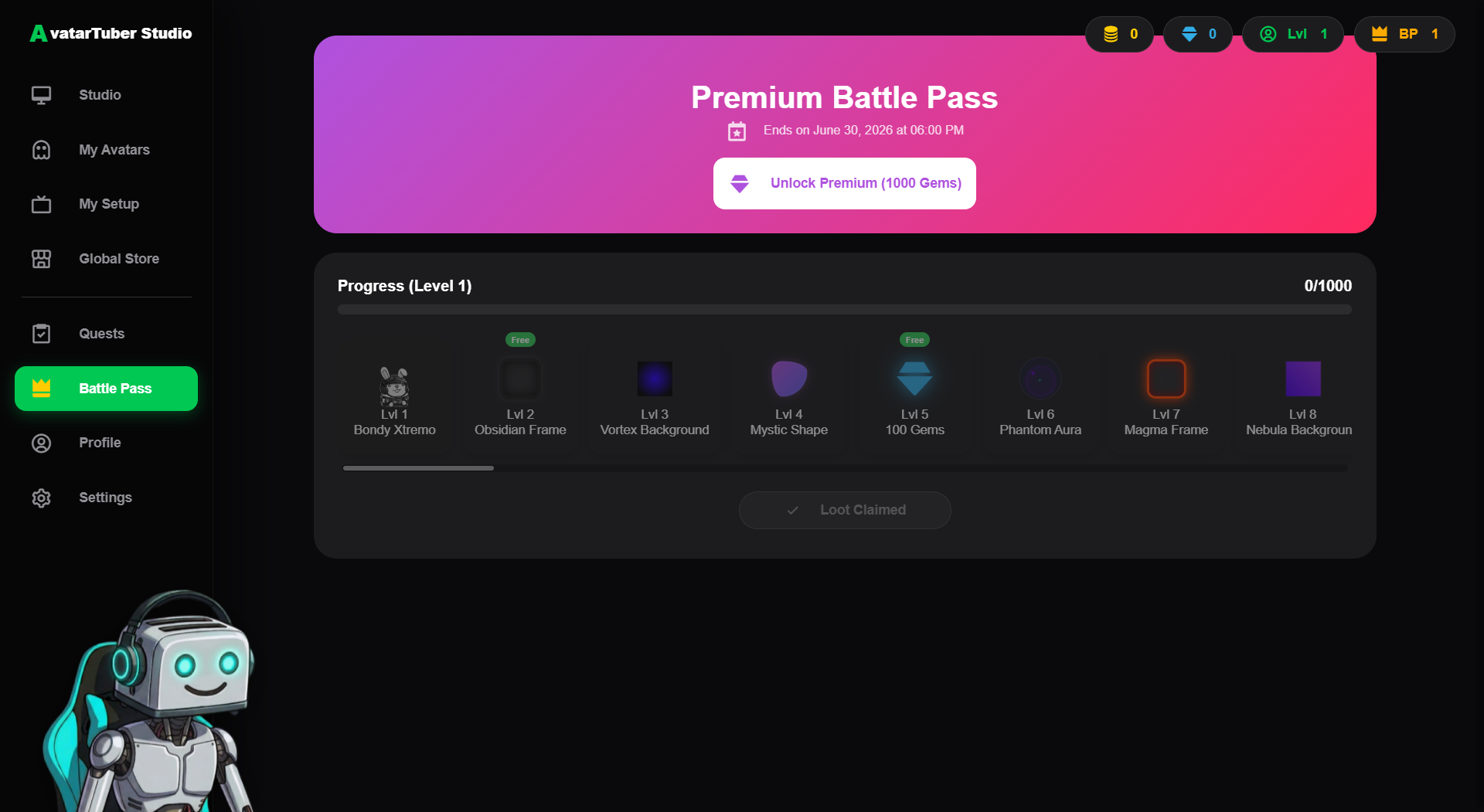
- Integrated Store: Unlock exclusive premium skins, characters, and custom backgrounds for your studio directly within the app.
- Ultra-Lightweight: Minimal CPU and RAM usage, ensuring your games run flawlessly while streaming.
🎮 How to use it in OBS:
- Launch AvatarTuber Studio.
- In OBS, add a new "Window Capture" source.
- Select the "AvatarTuber Overlay" window.
- Check the "Allow Transparency" box. You're ready to stream!
Download
Install instructions
Instrucciones de Instalación / Install Instructions:
ES:
- Descarga el archivo
.zip. - Haz clic derecho sobre el archivo y selecciona "Extraer todo..." para descomprimirlo en una carpeta.
- Entra a la nueva carpeta y haz doble clic en AvatarTuberStudio.exe para iniciar la aplicación. (Nota: Si Windows SmartScreen muestra una pantalla azul de protección por ser un software nuevo, haz clic en "Más información" y luego en "Ejecutar de todas formas").
EN:
- Download the
.zipfile. - Right-click the file and select "Extract all..." to unzip it into a folder.
- Open the new folder and double-click AvatarTuberStudio.exe to launch the app. (Note: If Windows SmartScreen displays a blue protection screen because it's a new software, click "More info" and then "Run anyway").
Leave a comment
Log in with itch.io to leave a comment.